
Uses the strongest verified public source

Simple, fast, browser based
SoundCloud downloader to MP3 made effortless with SoundLoadMate
Paste a public track link into this SoundCloud downloader and prepare permitted audio for offline listening. When an MP3 source is available, you can download SoundCloud to MP3 directly in your browser with no account.
No sign-up. Use only content you own or may download.
No registration All modern devices Public tracks only
Works on desktop, phone, and tablet
Review each public track before saving
No account credentials or software required
Save audio through your current browser
Visible progress and actionable download status
Why listeners choose it
A SoundCloud downloader built around the job you came to do
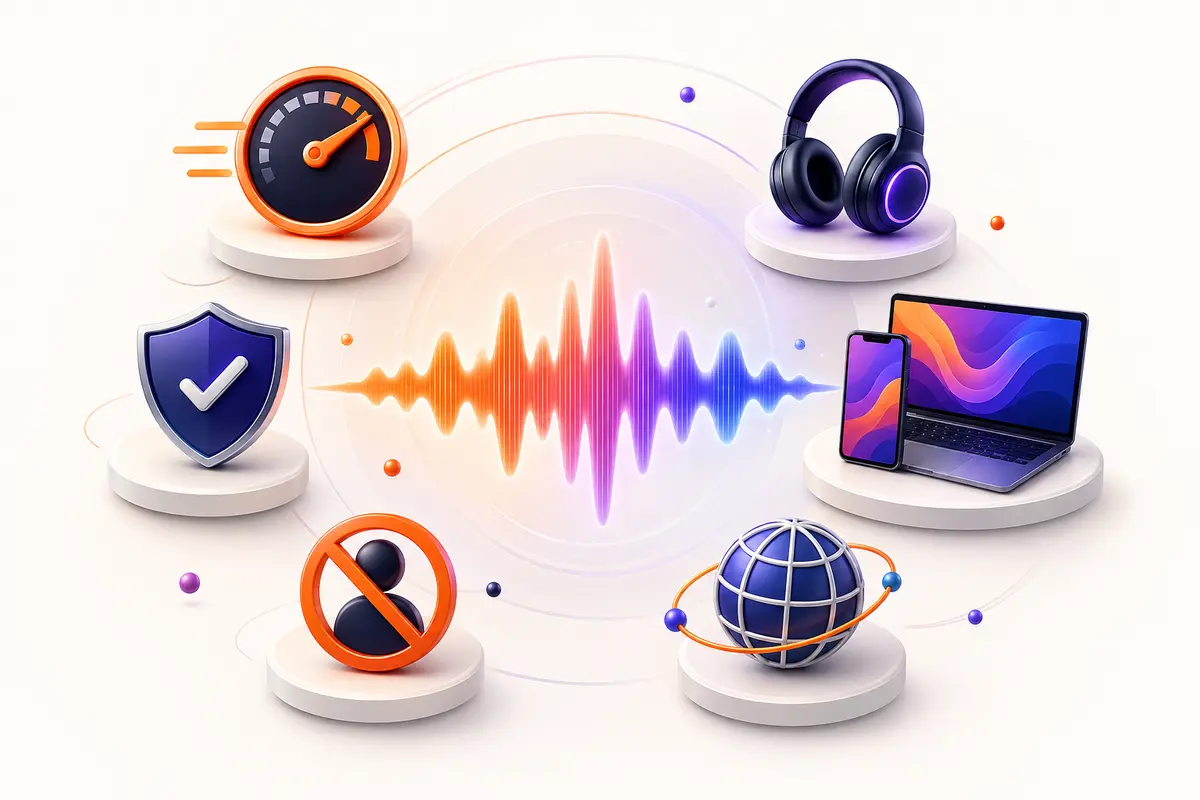
This SoundCloud downloader removes unnecessary friction while preserving the details that matter: clear feedback, device compatibility, sensible privacy, and responsible use.
Quick from link to audio
This SoundCloud downloader keeps the process focused: paste a public track URL, let the tool identify it, and choose download. There are no distracting settings to learn.
Clear, useful audio
The downloader selects the best compatible stream made available for the public track, then delivers an audio file suited to everyday offline listening.
Made for every screen
Use SoundLoadMate in a modern browser on Windows, macOS, Linux, Android, iPhone, iPad, or Chromebook. Nothing needs to be installed.
Private by design
No SoundCloud password is requested. No account is required. SoundLoadMate only processes the link you submit to complete your request.
No waiting through sign-up
You can reach the SoundCloud downloader immediately. The clean interface is designed to work for occasional saves as well as a longer listening session.
Browser-based access
Because SoundLoadMate runs online, you can open it wherever you have a supported browser and an internet connection.
Three easy steps1 2 3
How to use the SoundCloud downloader
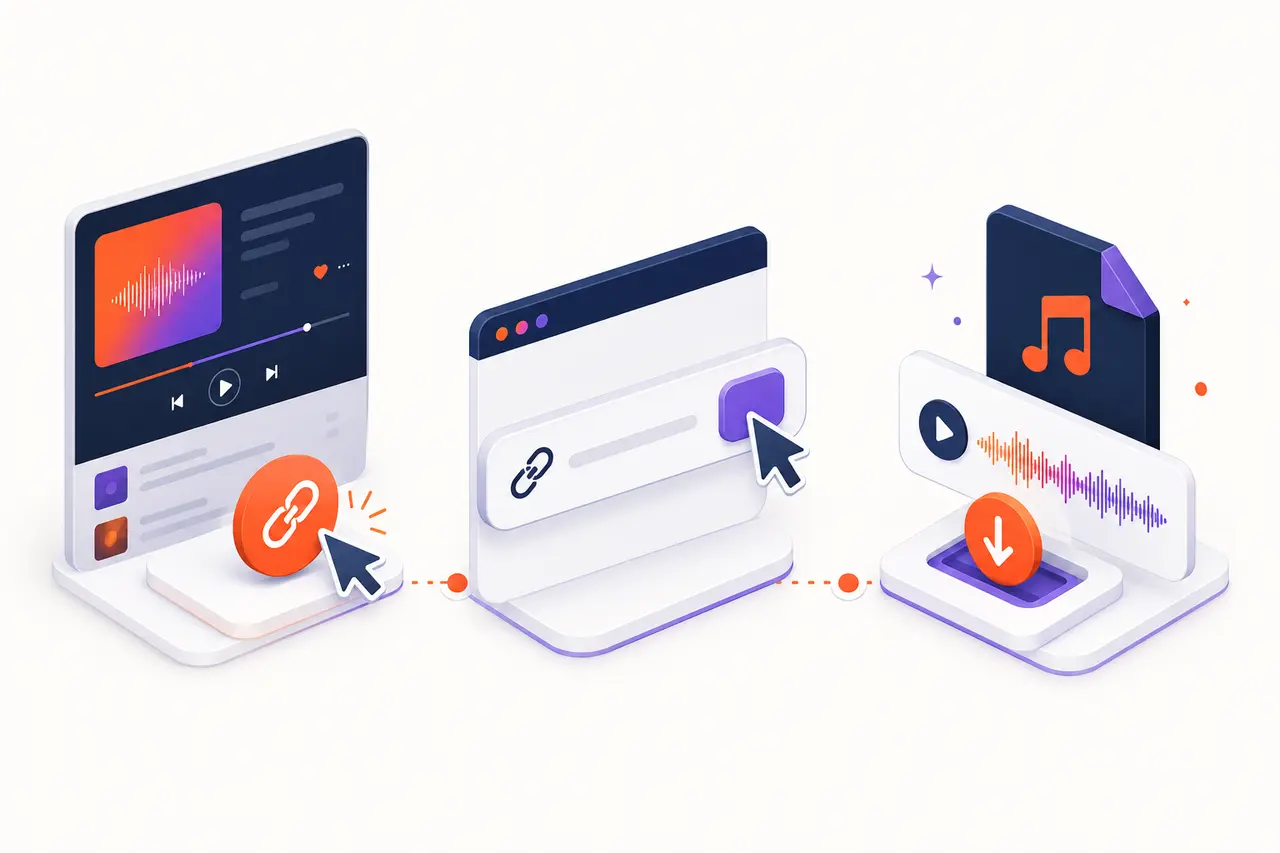
You do not need technical knowledge. The SoundCloud to MP3 workflow follows the same sharing pattern you already use on SoundCloud and provides a clear result before a download begins.
Copy the public track link
Open the track on SoundCloud, select Share, and copy its URL. Make sure the creator allows you to save or reuse the audio.
Paste it into the SoundCloud downloader
Return to the box at the top of this page, paste the complete link, and press Get audio. The server validates the address before analysis.
Review and download
Check the title and creator shown in the result. If it is the correct permitted track, press Download audio and choose where to save it.
A better everyday workflow
Use SoundCloud to MP3 confidently on desktop and mobile
What this SoundCloud downloader does—and what it does not do
Understand exactly what the tool can process, which public tracks are appropriate, and where access boundaries apply.
Read the complete guidance
The SoundCloud downloader is a focused web tool for public audio. It reads the track page you provide, retrieves the available public metadata, and prepares an audio response through your browser. That makes it useful when you need an offline copy of your own upload, a creator has directly granted permission, or the work carries a license that allows downloading.
The tool is not a way around access controls. It cannot unlock private songs, reveal hidden links, remove digital rights management, or give permission that the copyright owner has not granted. It intentionally rejects unrelated domains and unsupported page types. This boundary protects the service and gives users a more predictable experience.
Before you download from SoundCloud, look at the track description and creator profile. SoundCloud may provide an official download button when the artist enables one; that option should be your first choice. If you use SoundLoadMate, keep the saved file for the purpose covered by your permission or the track license.
SoundCloud to MP3 on Windows, Mac, iPhone, and Android
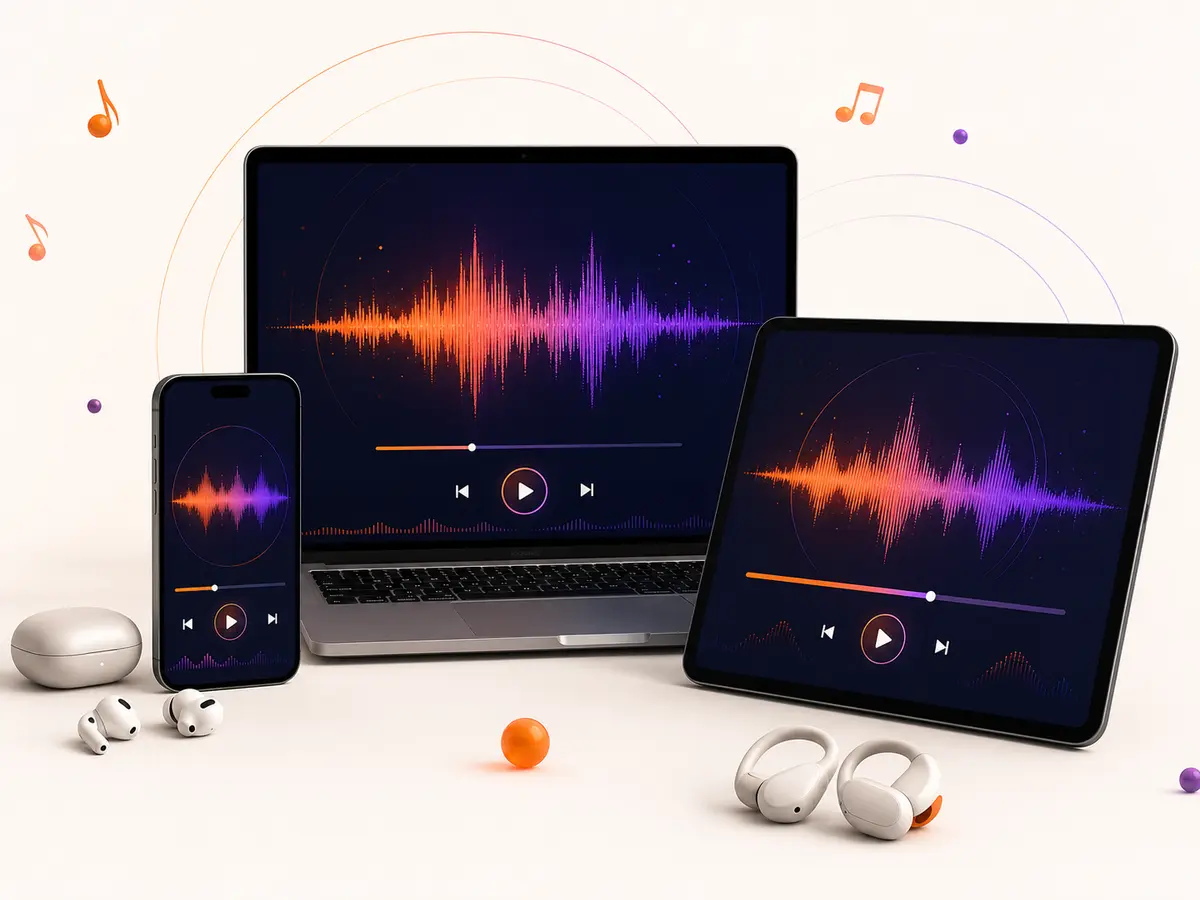
Find the saved file quickly on desktop, Android, iPhone, or iPad without installing a separate application.
See device instructions
On a desktop or laptop, copy the track address from the browser bar or SoundCloud Share menu. Paste it into the SoundCloud downloader and, after reviewing the result, save the file. Chrome, Edge, Firefox, and Safari normally place it in the Downloads folder unless you have selected another destination.
The mobile process is almost identical. Android browsers generally show a download notification and save audio in Downloads. On iOS and iPadOS, Safari exposes recent downloads beside the address bar and stores files in the Files app. SoundLoadMate uses a responsive layout, so the URL box, paste control, result card, and download button remain easy to reach on a narrow display.
If a mobile browser opens audio in a player instead of saving it, use the browser Share menu and choose Save to Files or Download linked file. Browser behavior can differ by operating-system version; the file itself does not require a special SoundLoadMate app.
Understanding audio quality and file expectations
Learn what “best available” means and why a bitrate label cannot restore detail missing from the source.
Review audio quality details
A downloader cannot restore information that is missing from its source. For a SoundCloud to MP3 request, the tool uses a compatible public MP3 stream when one is available. The actual bitrate, codec history, loudness, and clarity depend on the original upload and the versions SoundCloud serves. A large file or a “320 kbps” label alone cannot turn a compressed source into studio-quality audio.
For casual offline playback, the resulting audio should work with common players. DJs, editors, archivists, and producers should request the original lossless file from the creator when fidelity is critical. That approach preserves the highest available quality and makes licensing expectations explicit.
Download time depends on track duration, source availability, network speed, and your device. Keep the browser tab open until the save begins. If SoundLoadMate reports that a track is unavailable, verify that it is public, reload its SoundCloud page, and retry the full canonical URL.
Privacy, safety, and responsible downloading
Protect your account, avoid copied download pages, and use saved audio only within the permission you have.
Read privacy and use guidance
SoundLoadMate does not ask for a SoundCloud username or password. You should never enter those credentials into an independent downloader. The submitted URL is processed only to identify and deliver the requested public audio, and download responses are marked private and excluded from search indexing.
Be cautious of copied websites that trigger multiple pop-ups, request browser-notification access, or insist on an extension. The genuine SoundLoadMate experience at soundloadmate.org keeps the main action inside one clear form. Always confirm the domain before pasting a link.
Copyright rules vary, but a simple principle travels well: only download what you own or are allowed to save. Do not redistribute, sell, publicly perform, train models on, or incorporate a track into commercial work unless the relevant license permits that use. SoundLoadMate supplies a technical tool, while the user remains responsible for choosing lawful content and use.
Questions, answered
SoundCloud downloader frequently asked questions
Everything you need to know before using this SoundCloud downloader.
What is SoundLoadMate?+
SoundLoadMate is a browser-based SoundCloud downloader that analyzes a public track link and prepares accessible audio for download. It is designed for creators saving their own uploads, listeners using content with permission, and public-domain or appropriately licensed audio.
Is SoundLoadMate a free SoundCloud MP3 downloader?+
Yes. You can use this SoundCloud MP3 downloader without creating an account or purchasing software. Your mobile provider or internet service may still charge for the data used when streaming or downloading a file.
Do I need to install an app or extension?+
No. SoundLoadMate works in a current web browser. Avoid third-party pages that ask you to install an unknown extension, profile, or executable just to save a public track.
Can I use SoundLoadMate on iPhone or Android?+
Yes. On Android, downloads normally appear in the browser's Downloads area. On iPhone and iPad, Safari usually places the file in the Downloads folder in the Files app. The exact location depends on your browser settings.
Does it work with private tracks?+
No. SoundLoadMate is intended for publicly accessible tracks. It does not bypass passwords, private sharing controls, geographic restrictions, paywalls, or other access controls.
Can I download an entire playlist?+
The current workflow handles individual public track links so you can review and save each permitted item deliberately. For a playlist, open the tracks you are authorized to download and submit their links one at a time.
What audio quality will I receive?+
Available quality depends on the source streams SoundCloud exposes for that track. When MP3 is publicly available, the SoundCloud to MP3 download uses that source. The tool cannot create detail that is absent from the creator's upload or available stream.
Why is my track not recognized?+
Confirm that the URL opens normally on SoundCloud without a login and points to a track rather than a profile, search page, or private item. Short share links are supported, although a newly published track can occasionally take time to become accessible.
Where is the downloaded file saved?+
Your browser controls the destination. Most desktop browsers use a Downloads folder. Mobile browsers may show a download arrow, notification, or Files prompt. Check your browser's download history if you cannot locate it.
Is downloading from SoundCloud legal?+
That depends on the content, its license, your permission, and the law where you live. Download only audio you created, public-domain material, tracks with a license that allows downloading, or content for which the rights holder has given you permission.

Ready when your link is
Try the SoundCloud downloader
Copy a public track URL, paste it above, and download SoundCloud to MP3 when an MP3 source is available.
Try SoundLoadMate